*** Due to the nature of online video classes, no refunds will be issued after the live class date. ***
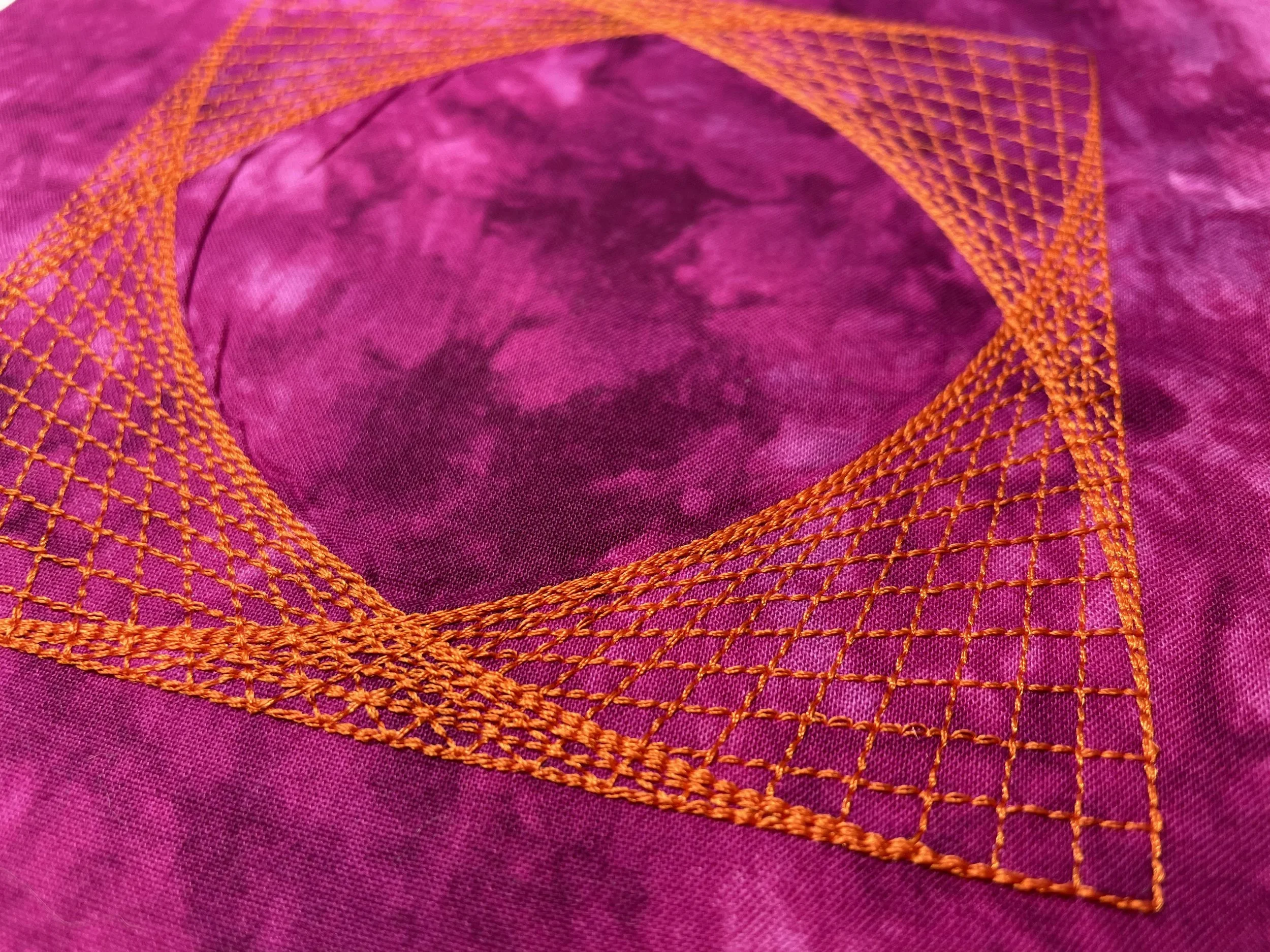
Artwork Canvas has such great, fun tools for creating! Explore all the fun, new ways to create unique quilting designs for your quilting projects using the tools in CorelDRAW SE, included with BERNINA DesignerPlus Embroidery Software. Transform simple lines and shapes before your eyes and convert them to embroidered quilting designs!
Begin to learn the power of the Artwork Canvas side of the software. This is a basic class to introduce you to Artwork Canvas so you can begin to learn what Artwork Canvas can do for your embroidery. We'll begin to cover the basic tools of the Artwork Canvas workspace, workspace tools, toolboxes, property bars, and dockers.
Want to learn more about CorelDRAW SE? Dive deeper into the drawing side of our powerful software. If you want to learn how to create special stitch and printed effects; how to create many unique shapes and designs; and how to do fun things with lettering, this retreat will help you continue to learn the process in Artwork Canvas.
ARTWORK CANVAS BEYOND THE BASICS II: Dive deeper into the impressive capabilities of Artwork Canvas and CorelDRAW SE and familiarize yourself with the features offered by additional dockers in Artwork Canvas. Discover how to utilize additional drawing tools in CorelDRAW SE, save time by creating and storing scripts (macros), enhance lettering effects, create unique printed effects with Power Clip, and much more!
No results match your search. Try removing a few filters.
*** Due to the nature of online video classes, no refunds will be issued after the live class date. ***