*** Due to the nature of online video classes, no refunds will be issued after the live class date. ***
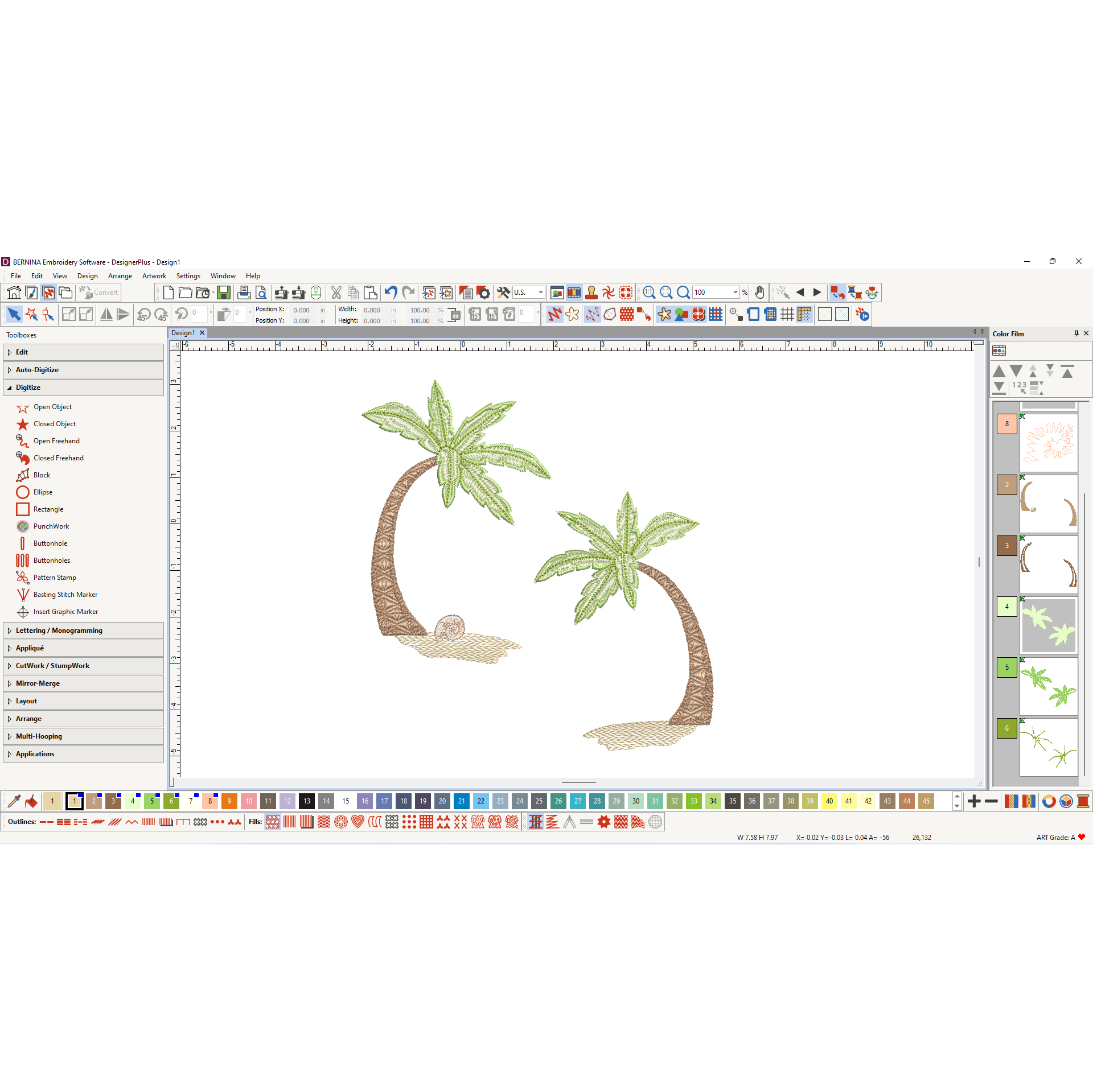
This beginning software class is for those who want a comprehensive overview of the software or who want to review the Software Guide classes from their local dealer. In the class, you will learn the basics of the software interface, beginner tips, lettering, monogramming, and design editing. The class spans four weeks of three- hour classes to give you time to understand the features and practice in the software.
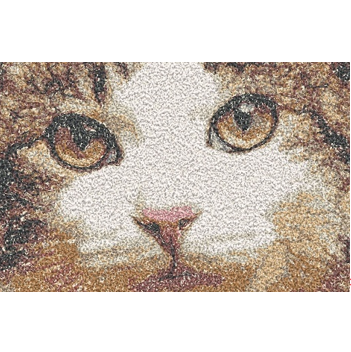
Continue to discover the amazing features and functions of your BERNINA Embroidery Software. In this class, you will explore automatic digitizing and will begin to learn about the manual digitizing tools of the software. You will fully explore the automatic methods of generating stitches from pictures by studying the tools in the Auto-Digitize Toolbox.
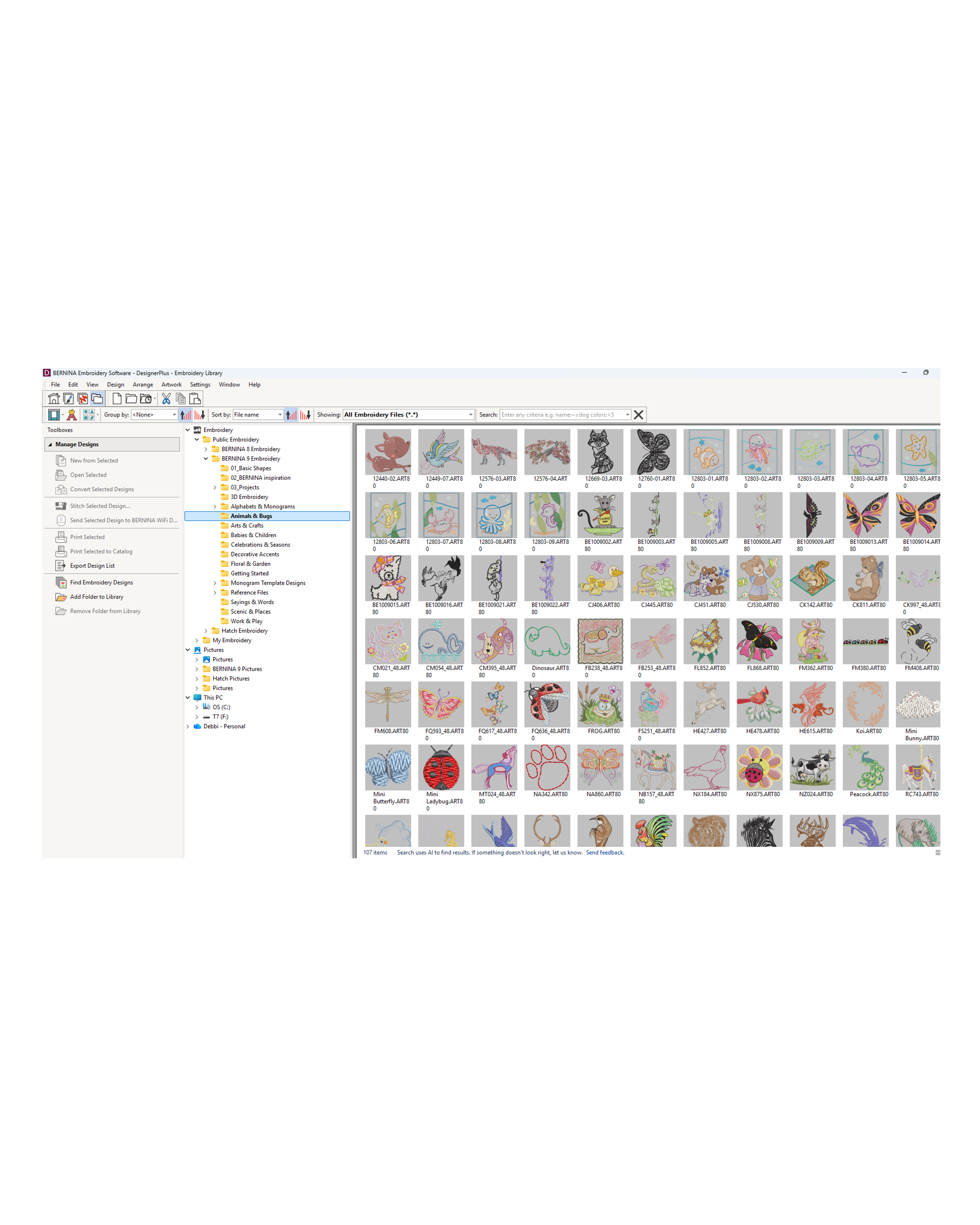
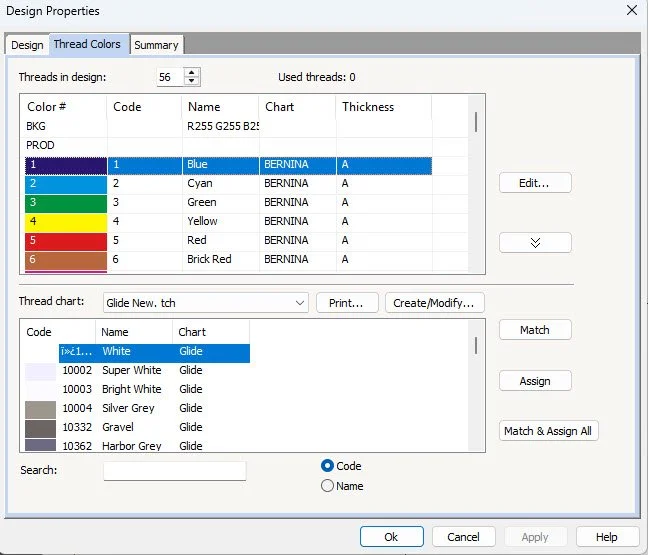
Discover the Embroidery Library, an innovative tool that simplifies organizing and managing your collection of designs. Expand your knowledge by learning how to convert designs into a different file format. Learn how to make the most of your thread charts and even learn how to create your own personal thread chart.
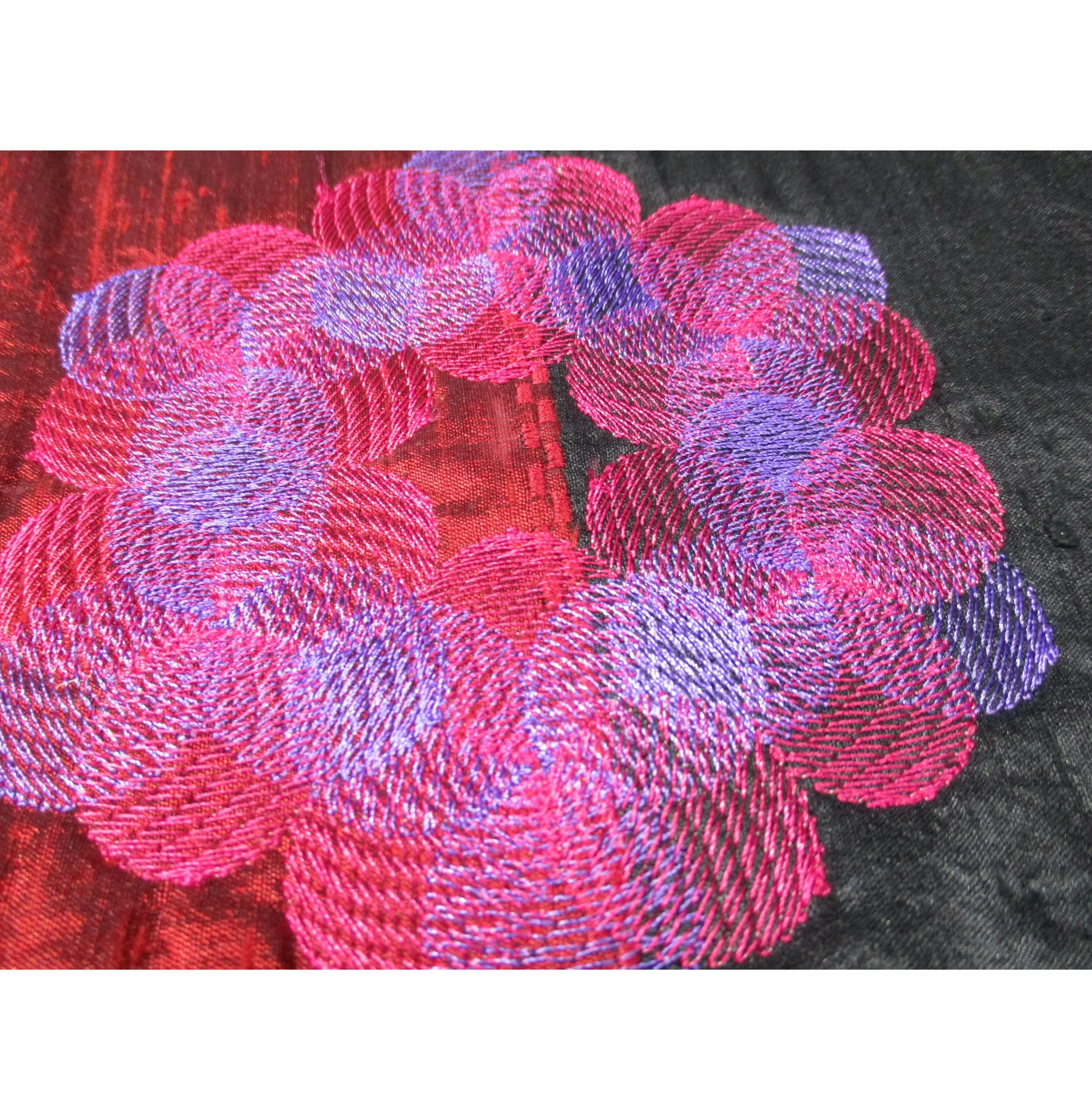
Explore the tools found in the Edit Toolbox and Edit Menu of BERNINA Embroidery Software to edit designs you purchase or create. By editing a design in different ways, the design is a unique creation by you! Learn about Blackwork Run, Branching, Color Blending, and more!
Begin to learn the power of the Artwork Canvas side of the software. This is a basic class to introduce you to Artwork Canvas so you can begin to learn what Artwork Canvas can do for your embroidery. We'll begin to cover the basic tools of the Artwork Canvas workspace, workspace tools, toolboxes, property bars, and dockers.
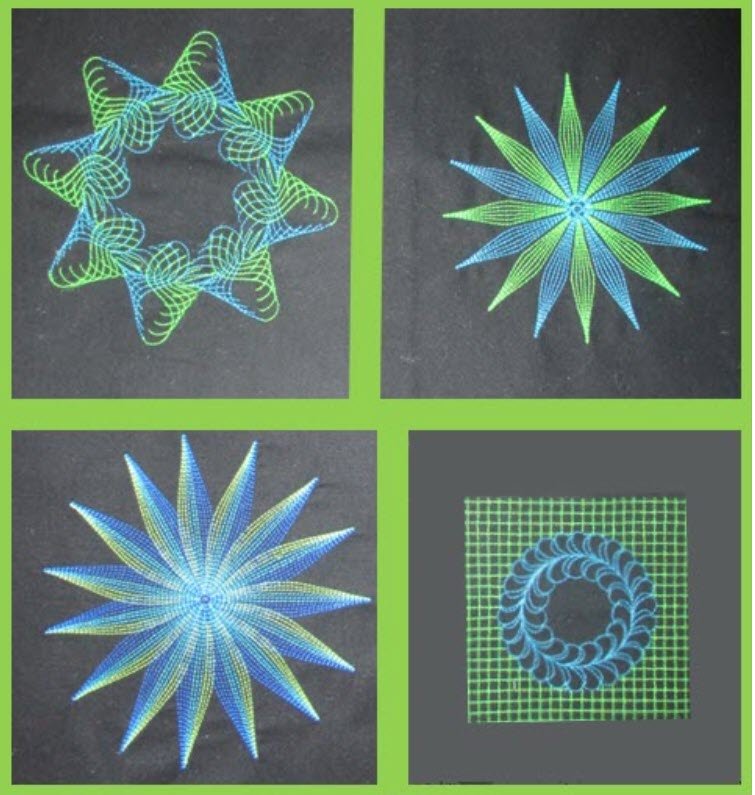
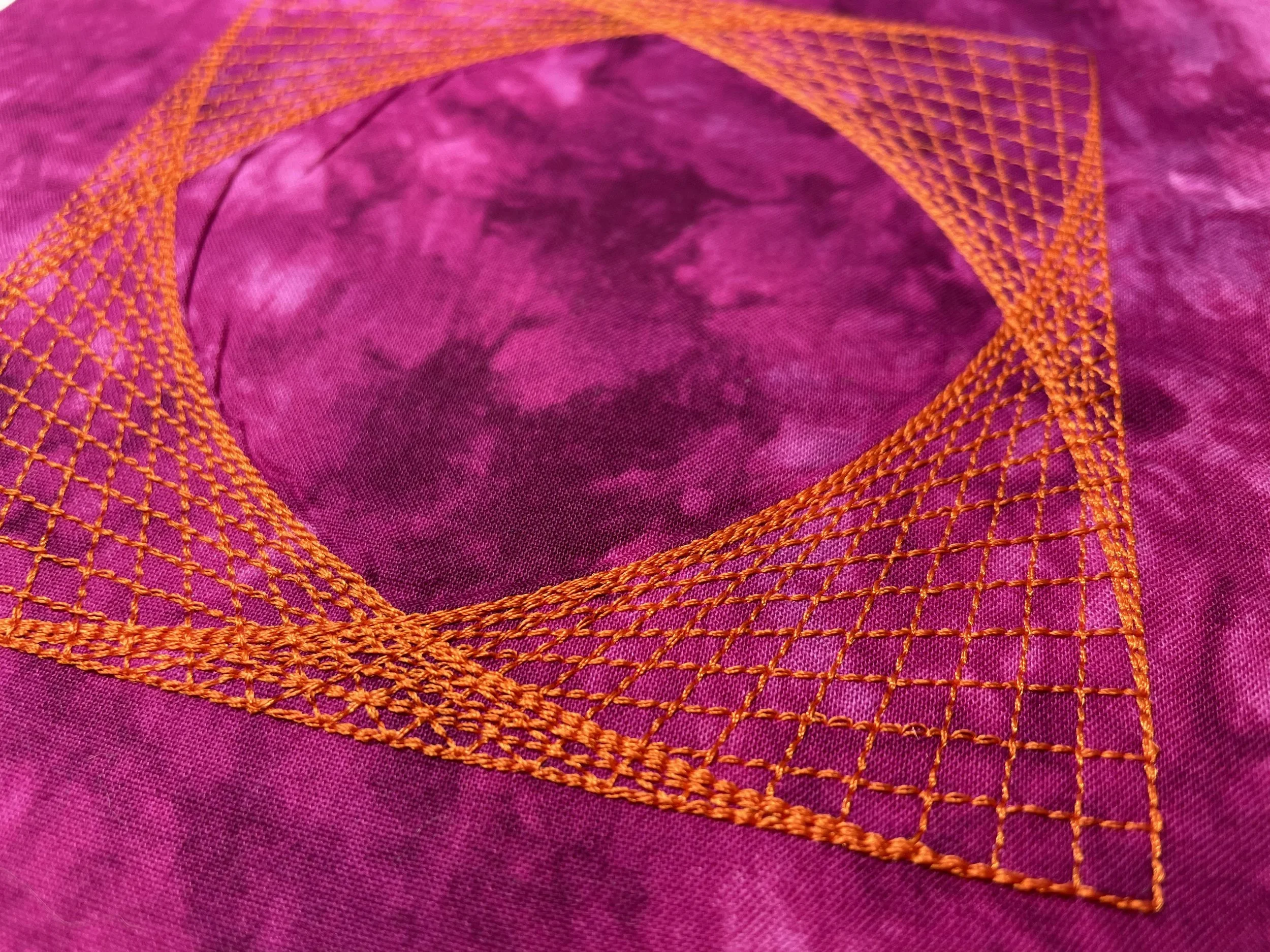
Unleash your creativity while exploring all the creative effects available in BERNINA Embroidery Software. This class focuses on the Effects toolbar, which is part of the Stitch Toolbar, as well as the creative dockers in the software. Learn about CutWork, Carving Stamps, and the Morphing tools, in addition to couching, wave and star effects, and 3-D Globe Effect. Learn to create your own pattern stitches to add special touches to your projects.
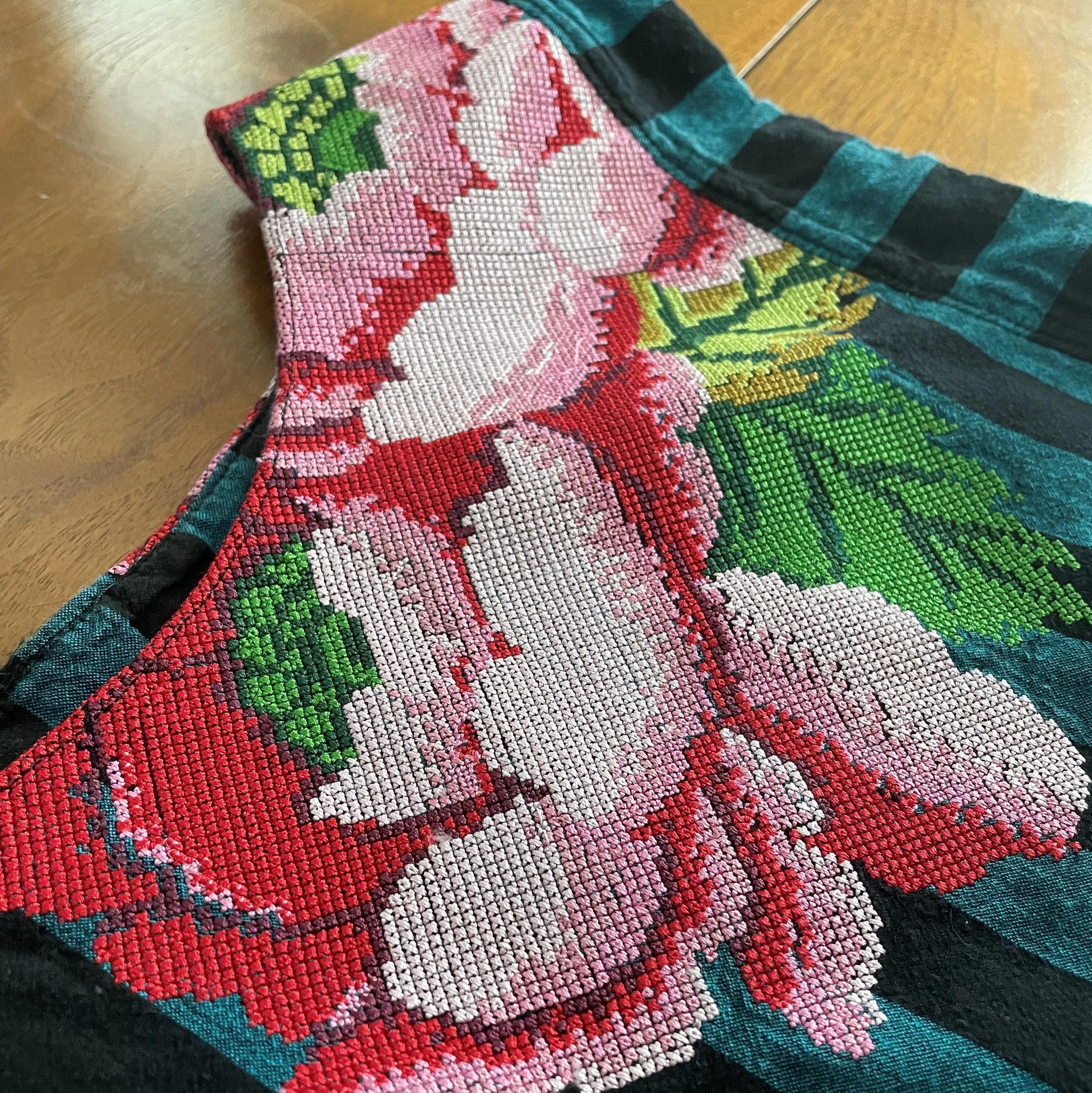
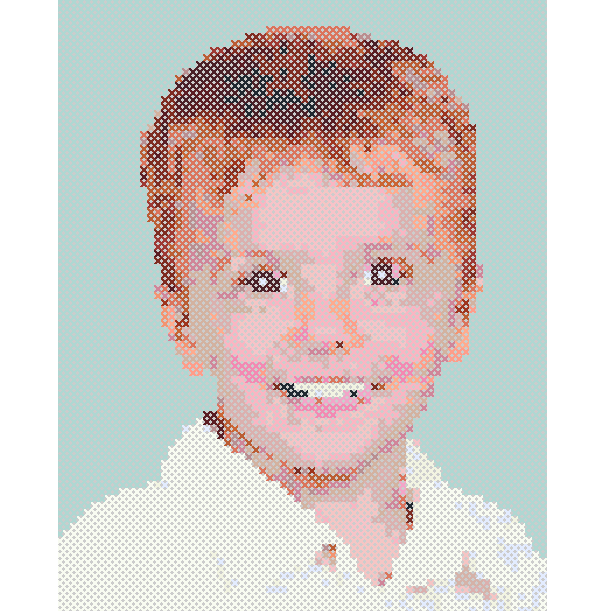
Explore the BERNINA Cross Stitch program within BERNINA Embroidery Software. Create embroidered cross stitch designs in a fraction of the time required for hand cross stitch. Create designs from pictures, edit the stitches or create a design from scratch using the tools of the Cross Stitch program.
Want to learn more about CorelDRAW SE? Dive deeper into the drawing side of our powerful software. If you want to learn how to create special stitch and printed effects; how to create many unique shapes and designs; and how to do fun things with lettering, this retreat will help you continue to learn the process in Artwork Canvas.
Dive into the wonders of the BERNINA Quilter program to learn how to plan your quilts and your quilting projects. The BERNINA Quilter program is a great way to take your vision and bring it into reality. If your vision isn’t clear, use the Quilter program to experiment, exploring hundreds of blocks, fabrics, and colors until you get just the right look. BERNINA Quilter is a design tool that helps you put together quilts, as well as smaller quilt projects featuring patchwork, embroidery, and/or appliqué.
Explore the wonders of creating all sorts of specialty techniques for your embroidery. Learn how to create and place border designs around large projects. Learn how to create designs for greeting cards, how to create patches and sketched designs; as well as how to create Bobbin Work designs. A fun technique class to get your creativity going!
No results match your search. Try removing a few filters.
*** Due to the nature of online video classes, no refunds will be issued after the live class date. ***